Creating Proposals
This guide explains how to create and manage governance proposals in KalyDAO.
Proposal Basics
A proposal is a set of on-chain actions that the community votes to execute. Proposals can:
- Transfer funds from the Treasury
- Modify protocol parameters
- Upgrade contracts
- Execute any on-chain transaction
Proposal Lifecycle
flowchart LR
    A[Create] --> B[Pending]
    B -->|Voting Delay| C[Active]
    C -->|Voting Period| D{Result}
    D -->|Passed| E[Queue]
    D -->|Failed| F[Defeated]
    E -->|Timelock| G[Execute]
| Phase | Duration | Description |
|---|---|---|
| Pending | ~1 week | Waiting for voting to start |
| Active | ~1 week | Open for voting |
| Queued | 1 hour | Timelock security delay |
| Executable | — | Ready to execute |
Creating a Proposal
Via DAO Interface
- Go to dao.kalychain.io
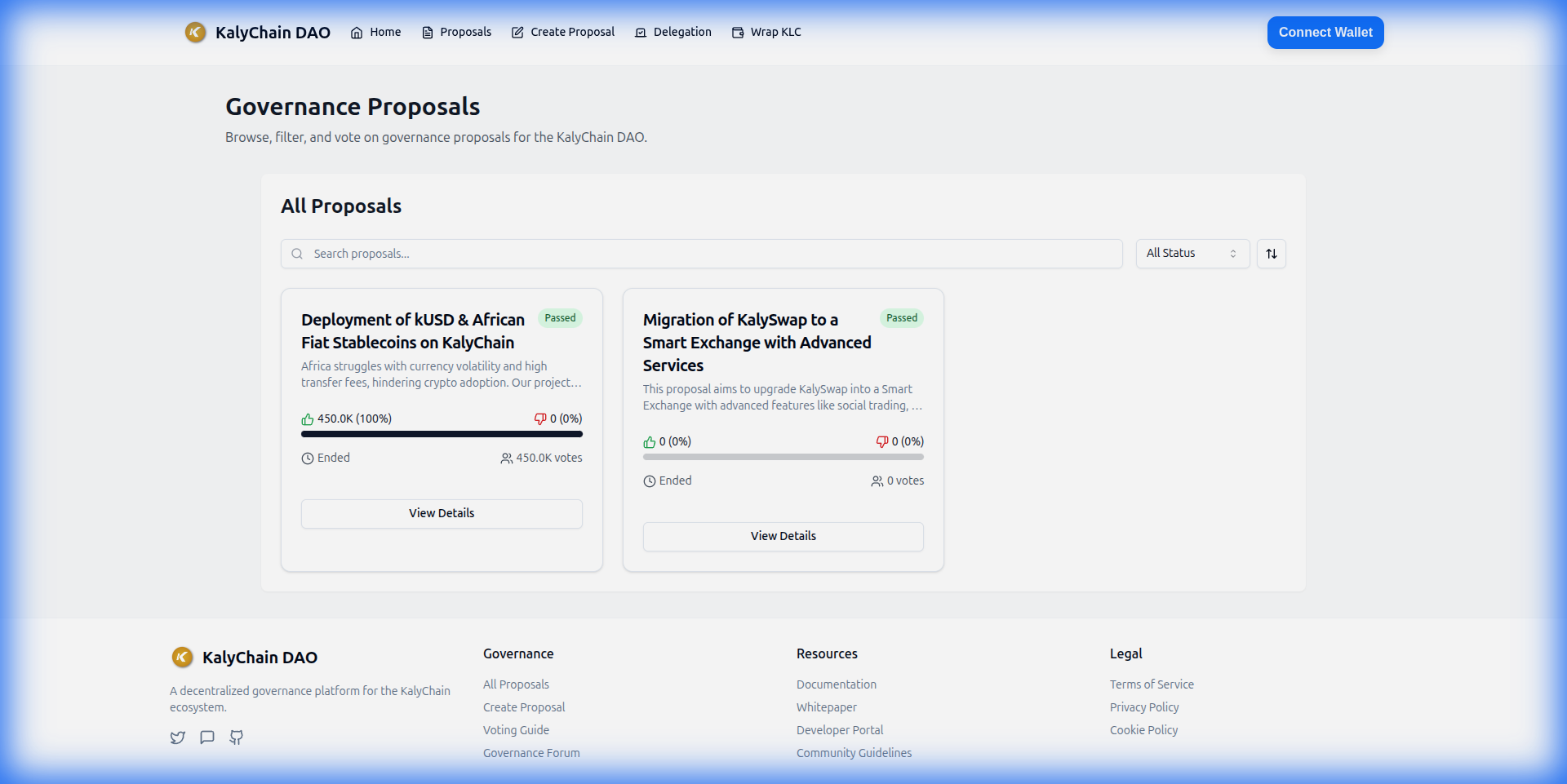 2. Connect your wallet
3. Click "Create Proposal"
4. Fill in:
2. Connect your wallet
3. Click "Create Proposal"
4. Fill in:
- Title — Clear, descriptive name
- Description — Detailed explanation and rationale
- Actions — On-chain calls to execute
- Submit and sign the transaction
Proposal Threshold
You need sufficient voting power (gKMT) to create a proposal. Check the current threshold on the DAO interface.
Writing Good Proposals
Title
- Be specific: "Allocate 10,000 KMT to Marketing Fund"
- Not vague: "Treasury Proposal"
Description
Include:
- Summary — What the proposal does
- Motivation — Why it's needed
- Specification — Technical details
- Timeline — Implementation plan (if applicable)
- Cost — Financial impact
Actions
Each action specifies:
- Target — Contract address to call
- Value — KMT to send (for payable functions)
- Calldata — Encoded function call
Example actions:
treasury.transfer(recipient, 1000 KMT)parameter.setFee(newFee)contract.upgrade(newImplementation)
Proposal States
| State | Description |
|---|---|
| Pending | Created, waiting for voting delay |
| Active | Voting in progress |
| Canceled | Proposer canceled it |
| Defeated | Failed to pass (no quorum or more against) |
| Succeeded | Passed, ready to queue |
| Queued | In timelock waiting period |
| Expired | Passed but not executed in time |
| Executed | Successfully executed |
After Your Proposal Passes
Queue the Proposal
Once voting ends and the proposal passed:
- Go to the proposal page
- Click "Queue"
- Confirm the transaction
This adds the proposal to the Timelock queue.
Execute the Proposal
After the timelock delay (1 hour):
- Return to the proposal page
- Click "Execute"
- Confirm the transaction
The on-chain actions are now executed.
Best Practices
- Discuss first — Socialize ideas in the community before formal proposal
- Start small — Test with minor proposals before large changes
- Be transparent — Explain all implications
- Include risk analysis — What could go wrong?
- Set realistic timelines — Account for voting and timelock periods
Treasury Proposals
The Treasury Vault (0x92564ec0d22BBd5e3FF978B977CA968e6c7d1c44) can:
- Hold native KMT
- Hold any ERC20 token
- Send funds via governance proposals
Example: Transfer from Treasury
To transfer 1,000 KMT from Treasury:
Target: 0x92564ec0d22BBd5e3FF978B977CA968e6c7d1c44
Value: 0
Function: transfer(address,uint256)
Args: [recipientAddress, 1000000000000000000000]
Further Reading
- Voting Guide — How to vote on proposals
- Contract Details — Technical documentation
- DAO Interface — Create proposals